What Is xHamster? Parents' Guide of the Official Website
xHamster is a free, ad-supported adult video site for people aged 18 and over, widely reported to be run by Hammy Media Ltd in Cyprus. Children can reach it from a phone in seconds because many age screens are only a tick-box. To keep kids away, layer device controls, a family DNS filter on the router, safe-search settings and calm, regular conversation.
xHamster is a video website made for adults. It is free to open in a browser, paid for mostly by advertising, and has an optional paid tier called xHamster Premium. It has existed for many years and is one of the best-known sites of its type, which is exactly why children hear the name in corridors, on buses and in group chats.
The site is widely reported to be run by Hammy Media Ltd, a company based in Limassol, Cyprus. It says it is for adults only. Whether a young person can actually get in depends on the country, the network, the device settings and the age-check rules where you live, and these vary enormously from one place to another.
Most parents are not worried about the company. They are worried about a child seeing something too early, too suddenly and with nobody to explain it. This guide keeps its focus there: practical steps, honest limits for every tool, and sentences you can really say out loud.
Adults Only
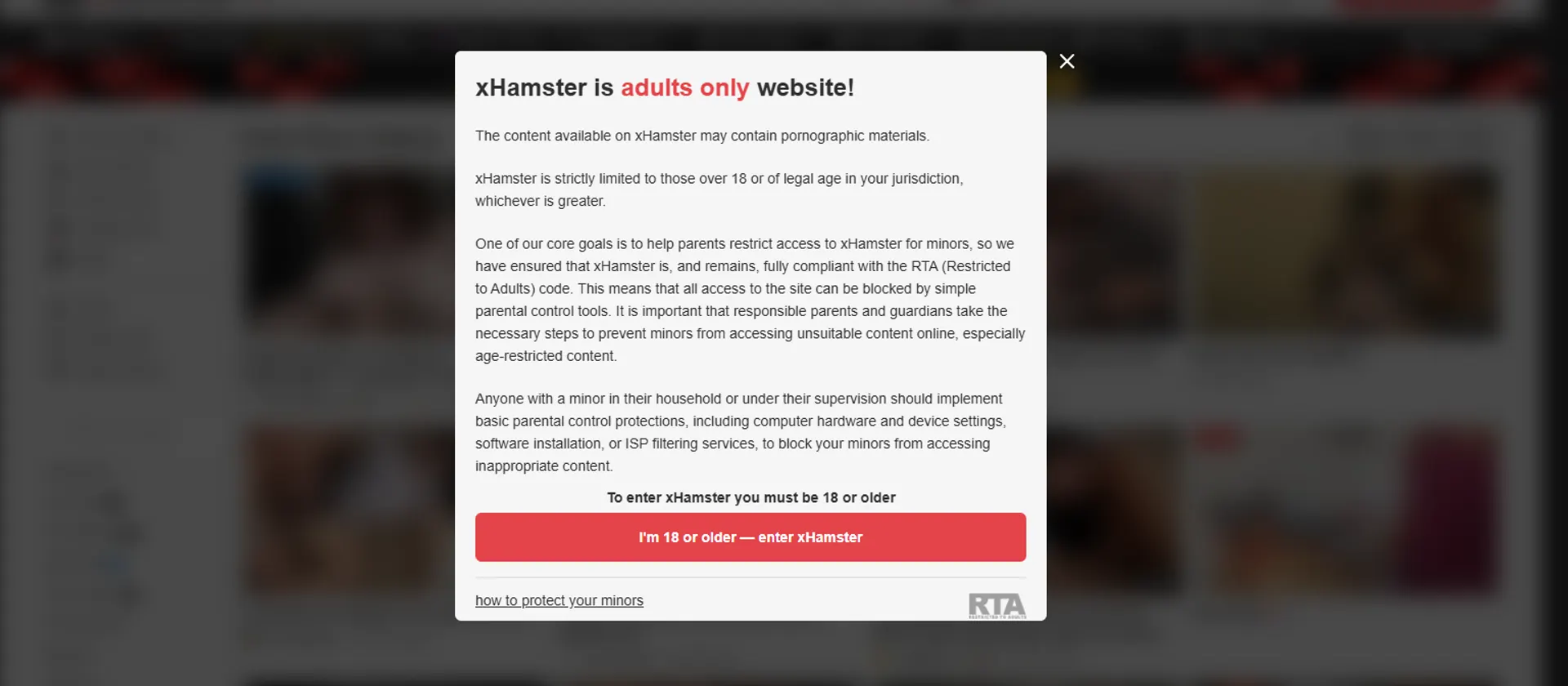
The site says it is for people aged 18 and over, but a confirmation click is a weak barrier for a curious child.
Phones First
Most visits to sites like this are reported to come from mobile phones, so the phone in your child's pocket matters most.
Checks Differ
Some countries and US states require stronger age checks. Where they apply, access can be limited, but gaps remain.
Talking Helps
Filters buy time. A child who feels able to tell you what they saw is safer than one who hides it.
The Background Parents Actually Need
You do not need a company history to protect a child. A few dated events do explain why rules and screens look different from country to country, though. These points come from public reporting, some details are approximate, and none of this is a legal record.
Late 2000s - A Free Site Arrives
The site is widely reported to have launched around 2007. Free access and easy viewing on phones are why it became well known, including among young people who were never meant to see it.
2015 and 2018 - Blocks in India
India is reported to have ordered the site blocked in 2015 and again in 2018. Orders go to internet providers, so a child may or may not be stopped, depending on the network.
March 2024 - A Texas Lawsuit
The Texas Attorney General sued the company behind the site over that state's age-verification law. The case was later reported as settled in 2025, as more US states passed similar rules.
2025 - A Turning Point for Checks
The US Supreme Court upheld a Texas age-check law in June 2025, and UK rules requiring strong age checks for adult sites began in July 2025. Both reflect pressure to protect children.
Your Five-Layer Family Plan
No single setting is perfect, so stack several. Think of a Swiss cheese: each layer has holes, but the holes rarely line up. Start with the first two this week, and add the others over the next month.
- Set up the device layer - Screen Time on iPhone and iPad, Family Link on Android, Family Safety on Windows and Xbox, plus a passcode only you know.
- Add a network layer - a family-safe DNS service or the router's own parental controls cover every device on home Wi-Fi.
- Turn on safe-search - use the strictest setting in search engines, browsers and video apps, and sign children into their own accounts.
- Control the app store - require approval for new apps so workaround browsers, VPNs and hidden vault apps do not appear unnoticed.
- Keep the conversation open - explain why these sites are for adults, say you will not be angry, and revisit the topic as your child grows.
Safety Risks Around the Site, Not Just the Content
Beyond the obvious worry, children face side risks: misleading ads, fake download prompts, lookalike domains, scams and strangers who contact them. These tips protect the device and the child's privacy, whether or not they ever visit the real site.
- Keep devices updated. Updates close security holes that malicious ads try to use, and automatic updates mean you never have to remember.
- Block installs without approval. Fake players, extensions and VPN apps are common traps. Require your approval for every new app.
- Use a content blocker. A reputable ad and tracker blocker removes many of the pop-ups that lead children to pages they never searched for.
- Limit who can message. Tighten chat and social settings so strangers cannot contact your child, and teach them not to share photos or personal details.
- Agree a no-shame rule. Tell your child that if something upsetting appears, they can close the tab and tell you, with no punishment for telling.
Red Flags to Watch For
- "Your device is infected" pop-ups on a child's phone - scams that push an install.
- New apps you did not approve - a VPN, a second browser or a vault app may be a workaround.
- Sudden secrecy about screens, deleted history or a new habit of covering the phone when you walk in.
- Unknown contacts asking a child for photos, money or to move to another app - a classic extortion route.
- Unexplained charges or gift card purchases - a sign a child may have been tricked or is paying for something.
Private Mode Is Not Invisible
Private browsing hides history on the device only. Home Wi-Fi logs, school networks and the sites themselves can still see activity.
History Gaps Tell a Story
A history that is wiped every day is a clue to talk, not to snoop. Ask open questions before you start reading messages.
Trackers Follow Children
Ads and analytics build profiles from clicks. Turn off personalised ads in child accounts and limit location sharing on all apps.
How Do Children End Up on Adult Sites?
Very few children set out to find a site like this at first. Most arrive by accident, by dare or through a friend. Knowing the usual routes shows you where to put your blocks. Here is the typical journey in everyday language.
- ① TriggerJoke, dare or ad
- ② SearchTyped or tapped
- ③ GateTick-box or check
- ④ ViewingOften on a phone
- ⑤ AftermathCuriosity or worry
1. Playground Talk
A classmate mentions a site name as a joke or a dare. A child who has seen nothing suddenly wants to know what everyone is whispering about.
2. Innocent Searches
An ordinary word typed into a search box can bring up unexpected results, especially when safe-search is off or the child is signed out.
3. Pop-ups and Ads
Free games, streaming pages and file-sharing sites often carry pushy adverts that can open adult pages by accident, even if the child never searched.
4. Group Chats
Links and screenshots move around messaging apps and social platforms, sometimes to shock a friend and sometimes by mistake.
5. Someone Else's Device
Your home rules do not follow your child to a sleepover, a school bus or another family's tablet, so conversation matters as much as blocking.
6. Workarounds
Older children may try private browsing, a VPN, a second browser or mobile data to dodge a home filter. Layers and honest talk reduce that.
Why a Tick-Box Does Not Stop Children
On many versions of adult sites, the first screen simply asks visitors to confirm they are adults. A child can tap the button in a second. Where laws demand stronger checks, such as ID or face-based age estimation, the barrier is higher, but those checks apply only in certain places.
Think of age checks as a layer outside your home and parental controls as the layers inside it. Neither replaces the other, and neither replaces a trusting relationship in which your child tells you when something upsetting appears on the screen.
How Does First Exposure Usually Happen?
Nobody publishes a precise breakdown of how children first meet adult content. The figures below are illustrative editorial groupings of patterns that parents and schools often describe, not measured statistics. Use them to decide where to spend your effort first.
Common routes to a first sighting (illustrative)
Bars show relative popularity of behaviours for illustration only – they are not statistics.
The Curious Pre-Teen
Heard a word at school and wants to know what it means. Needs a short, calm, honest answer far more than a lecture.
The New Phone Owner
Has a first phone and few rules yet. Most likely to arrive by accident through ads, links or chats.
The Private Teen
Wants privacy and tests limits. Responds better to respect and clear reasons than to surprise phone searches.
The Younger Sibling
Borrows an older sibling's tablet or laptop. Protected best by separate profiles and a passcode on every shared device.
Age Verification Laws: What They Mean for Families
Laws about adult sites are changing fast. They are meant to keep children out, but they differ by country and none is perfect. Here is a general, hedged overview for parents, not legal advice.
United States
Many states require age checks on adult sites. The Supreme Court upheld Texas's law in June 2025, and the Texas Attorney General's case against xHamster's operator was reported settled in 2025.
United Kingdom
The Online Safety Act expects adult sites to use strong age assurance, overseen by Ofcom, with duties in force from July 2025. Children can still meet content elsewhere, such as in chats.
European Union
The Digital Services Act asks large platforms to protect minors, and some member states, such as France, run their own age-check rules. Reports named other adult sites rather than xHamster.
India & Asia
India has reportedly ordered xHamster blocked under the IT Act, in 2015 and 2018. Blocking depends on the provider, so home filters and conversation are still needed.
Accounts and Age Screens: What Your Child Would See
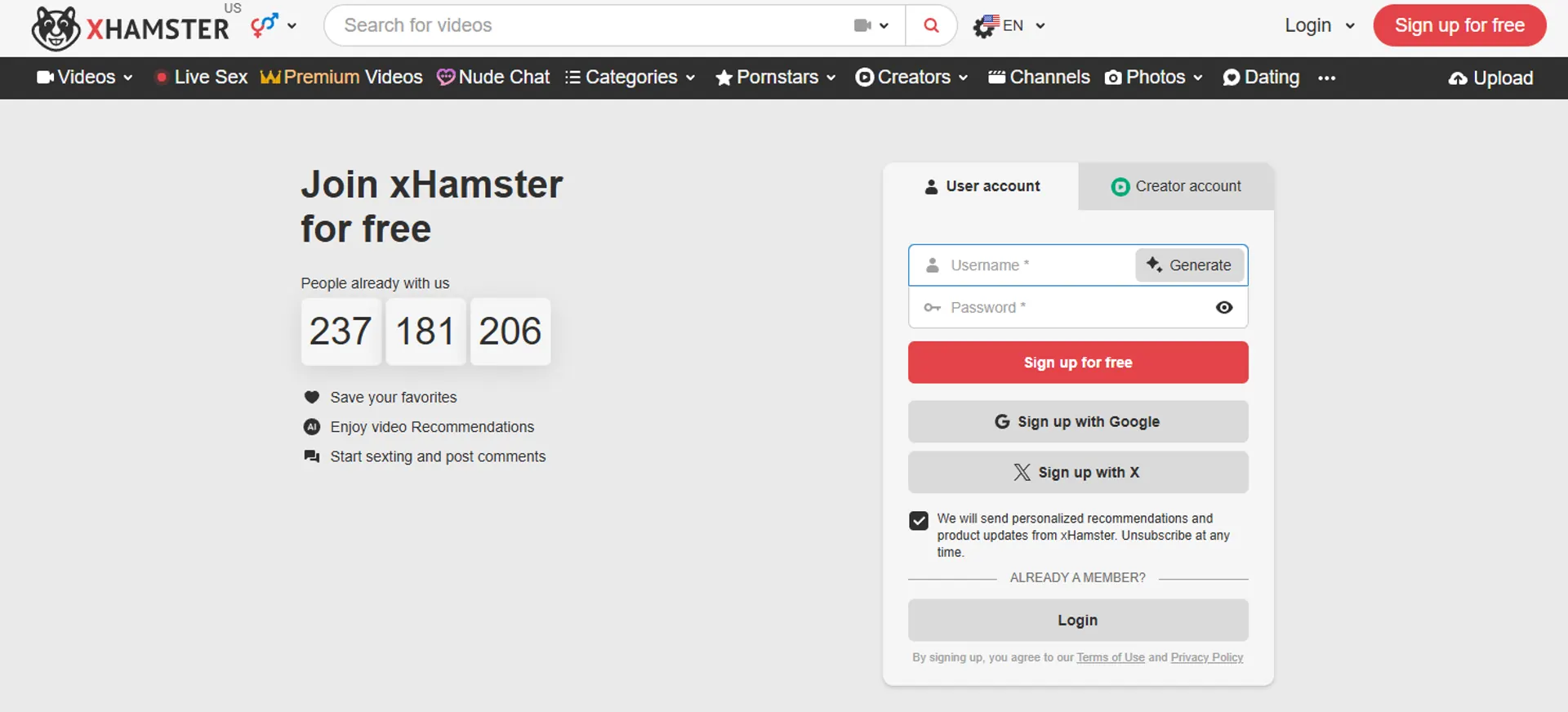
Most videos on a site like this can be opened without an account, and creating a free one takes a few minutes. Knowing the steps helps you see how little stands in the way, and which parts your own controls can realistically cover.
The Age Screen
A first-time visitor is usually asked to confirm they are 18 or older. In many places that is a button. In others, stronger proof such as ID or a face-based estimate may be requested.
Optional Account
Making a free account usually needs an email address and a username. A child can use a throwaway email, which is why watching new accounts and app installs matters.
Verification Emails
Sites send a confirmation message. If you see unfamiliar sign-up emails in a child's inbox, treat them as a prompt for a calm conversation, not a punishment.
Paid Upgrade
A paid tier needs a payment card. Children cannot normally pay without one, so unexplained small charges or gift card purchases deserve a gentle question.
Why Billing Can Be an Early Warning
Browsing is free, so billing is not how most children are caught. Still, charges can be a clue. A paid tier called xHamster Premium exists, and payments may appear on a statement under a billing company name that differs from the brand.
Check shared cards and app-store accounts from time to time. Turn on purchase approval for children, and look at the descriptor on any charge you do not recognise. If a charge was made by a child, ask the provider about stopping renewal. We quote no prices, since they change.
- Turn on purchase approval. Ask to Buy on Apple devices and approval for purchases in Google Play stop surprise spending and in-app sign-ups.
- Watch the inbox together. For younger children, share an email address with them, so sign-up and verification messages reach you first.
- Keep cards out of reach. Do not save card details in a browser on a shared family device, and lock wallets on phones with a passcode.
- Review statements monthly. Look for odd company names, small recurring amounts and gift card top-ups, then ask calmly instead of accusing.
Adult Website Traffic: The Real Data
How the biggest adult platforms compare on monthly visits, devices and growth. Figures are third-party estimates, not company numbers.
Who gets the visits?
September 2026, all devices
Phones win
Up or down since August?
xHamster vs XVideos vs Pornhub: What Parents Should Know
These are the three biggest free, ad-supported adult tube sites. For a parent the differences matter less than the similarities: all are for adults, all are easy to open on a phone, and a good block should cover them together, not one by one.
| Feature | xHamster | XVideos | Pornhub |
|---|---|---|---|
| Meant for adults only | Yes, 18+ | Yes, 18+ | Yes, 18+ |
| Operator (as widely reported) | Hammy Media, Cyprus | WGCZ group, Czechia | Aylo, Canada |
| Free to open in a browser | Yes | Yes | Yes |
| Account needed to view | Usually no | Usually no | Usually no |
| Age screen at first visit | Varies by place | Varies by place | Varies by place |
| Reported blocked in India | Reported yes | Reported yes | Reported yes |
| Clone and fake sites exist | Yes | Yes | Yes |
| Covered by adult-category filters | Typically yes | Typically yes | Typically yes |
Information reflects widely reported details and may change. Always check each service's own terms for current policies.
xHamster
A large community-style site. For parents, the account and messaging features add one more reason to block it, not just limit it.
XVideos
Very fast and simple, with a huge library. Heavy advertising raises the chance of accidental clicks on shared devices.
Pornhub
The most visited of the three and the best known by name. Its operator has been prominent in age-check debates in several countries.
Scores are our editorial opinion for comparison purposes only.
Pros and Cons of xHamster
Pros
- Adult category filters in major parental tools usually cover sites like this one.
- Free built-in controls on Apple, Google and Microsoft devices cost nothing to set up.
- Router filtering protects every device on home Wi-Fi at once.
- Age checks are spreading in the UK, parts of the US and Europe.
- Conversation works and keeps working when the child is out of your sight.
Cons
- Tick-box screens in many places are easy for a child to pass.
- Mobile data and other homes sit outside your router's reach.
- Workarounds exist such as VPNs, proxies, other browsers and new accounts.
- Clone and mirror sites can slip past a single-site block.
- Ads and chats can deliver content to a child without a search.
In-Depth Guides
Detailed answers to the questions people search most.
Frequently Asked Questions
Blocking & Parental Controls
Understanding the Site & Talking to Kids
Key Terms Explained
Tube Site
A video website modelled on mainstream video platforms, where clips open free in a browser and the service is paid for by advertising.
Age Assurance
A general name for checks that a visitor is an adult, from a simple confirmation button to ID, card or face-based age estimation.
DNS Filtering
A network setting that stops devices from reaching categories of sites, often switched on at a home router to protect every connected device.
Screen Time
Apple's built-in family tool for limiting websites, apps, downtime and purchases on iPhone and iPad, protected by a passcode.
Family Link
Google's family tool for managing a child's Android device and account, including app approvals, content restrictions and SafeSearch.
RTA Label
A voluntary tag, short for Restricted To Adults, that some adult sites add so filters can recognise their pages.
The Bottom Line for Parents
xHamster is one of the biggest free adult video sites in the world and it is meant only for adults. Because it is free and easy to open on a phone, a child can meet it long before anyone expects. Blocking it is sensible, but blocking alone is never the whole answer.
Layer device controls, a router filter, safe-search and app approval, then add what no tool can: a calm, open relationship. Laws and age checks are tightening in many places, yet they will not replace you. Review your settings every few months, and keep the door open for questions.
Back to Top